
Everyday TechnologyA forgotten app, an old free trial, and a duplicate streaming service can quietly crowd your monthly budget. This practical audit helps you find recurring charges, decide what is worth keeping, cancel safely, and set up a simple routine so subscriptions stay useful.
Read article · 4 min↗

Everyday TechnologyA home printer is convenient, but its purchase price, ink and upkeep can outweigh the cost of occasional print-shop visits. Learn how to compare both options using your own print habits, including page type, travel and the value of printing on demand.
Read article · 4 min↗

Everyday TechnologyA shared calendar can help everyone see appointments, chores, visitors and plans without relying on one person to remember it all. Here’s a simple setup that works for busy households, including a few rules that keep the calendar useful.
Read article · 4 min↗

Everyday TechnologyClearer sound and more flattering light do not require a new camera or a desk full of equipment. Start with your room, the position of your laptop, and a short test call. These low-cost adjustments can make everyday video calls easier to follow.
Read article · 4 min↗

Everyday TechnologyA few built-in phone settings can make everyday tasks easier: enlarge text without changing everything, make speech easier to follow, and bring controls within thumb reach. Here’s how to find and test the options that suit you.
Read article · 4 min↗

Everyday TechnologySoftware updates can fix security weaknesses and everyday annoyances, but surprise restarts and slow downloads are frustrating. A simple routine for backups, timing and device settings can help you stay current without letting updates take over your day.
Read article · 4 min↗

Everyday TechnologyA delivery alert, a familiar-looking email or a QR code on a poster can all lead to the same trap. Learn a simple routine for checking unexpected messages, opening links more safely and responding if you already tapped.
Read article · 4 min↗

Everyday TechnologyScreen time limits work best when they protect something specific, not when they try to make every minute online count. Here’s a practical way to choose limits, set them up on your phone and adjust them when real life gets in the way.
Read article · 4 min↗

Everyday TechnologyA small smart home can begin with one useful routine, not a cart full of gadgets. Choose a main control app, check how each device connects, and test a couple of inexpensive additions before expanding.
Read article · 4 min↗

Everyday TechnologyIf you can buy only one device, start with the tasks you do most often. This guide compares laptops and tablets for writing, video calls, entertainment, portability and everyday costs so you can choose a setup that fits your routine.
Read article · 4 min↗

Everyday TechnologyA refurbished phone can be a practical way to spend less, but the label alone tells you little about its condition. Use this checklist to compare sellers, confirm compatibility, understand battery and repair details, and test the phone while you can still return it.
Read article · 4 min↗
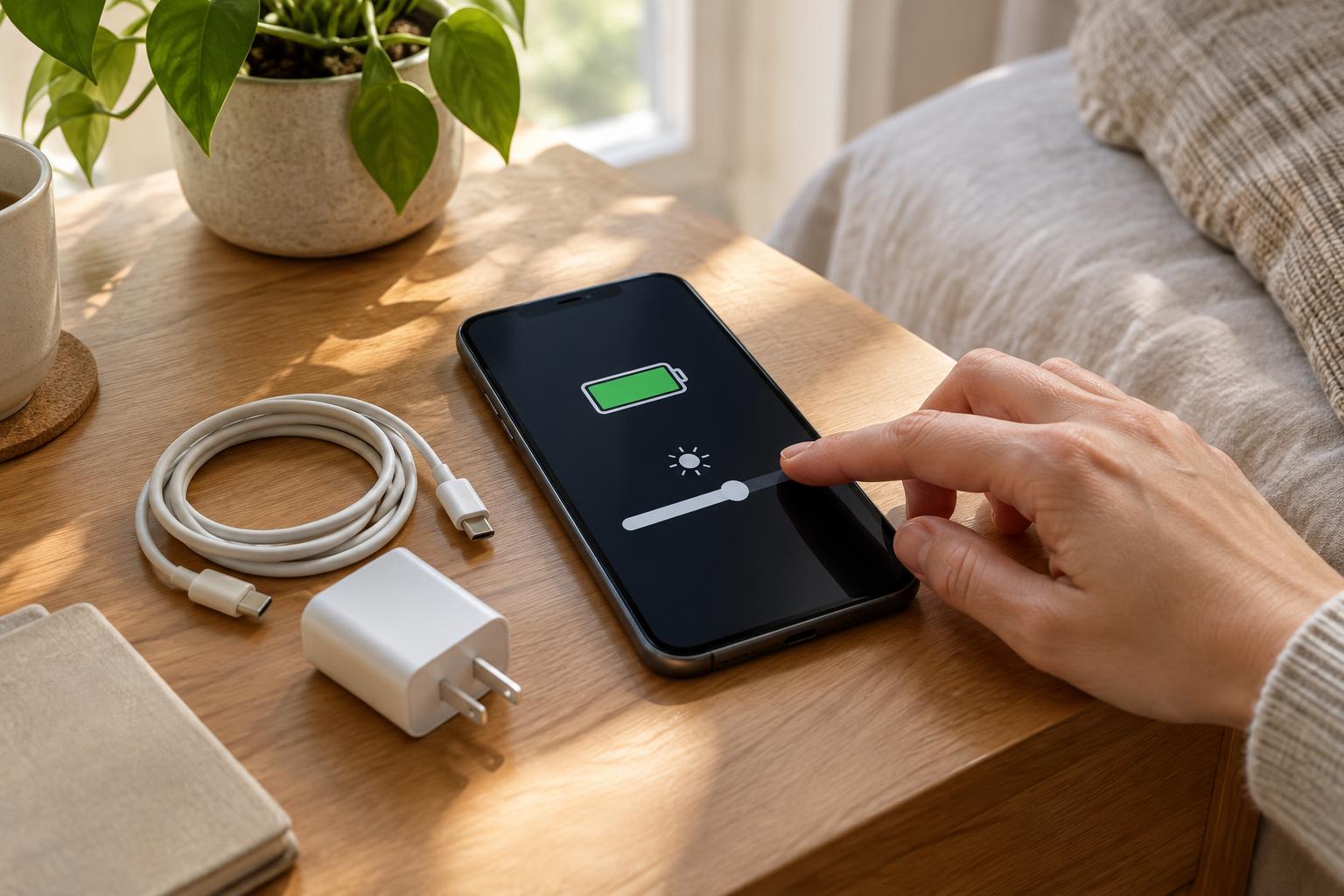
Everyday TechnologyA phone that lasts through the day is easier to live with. Start with the settings that use the most power, keep charging convenient, and protect the battery from excess heat.
Read article · 4 min↗
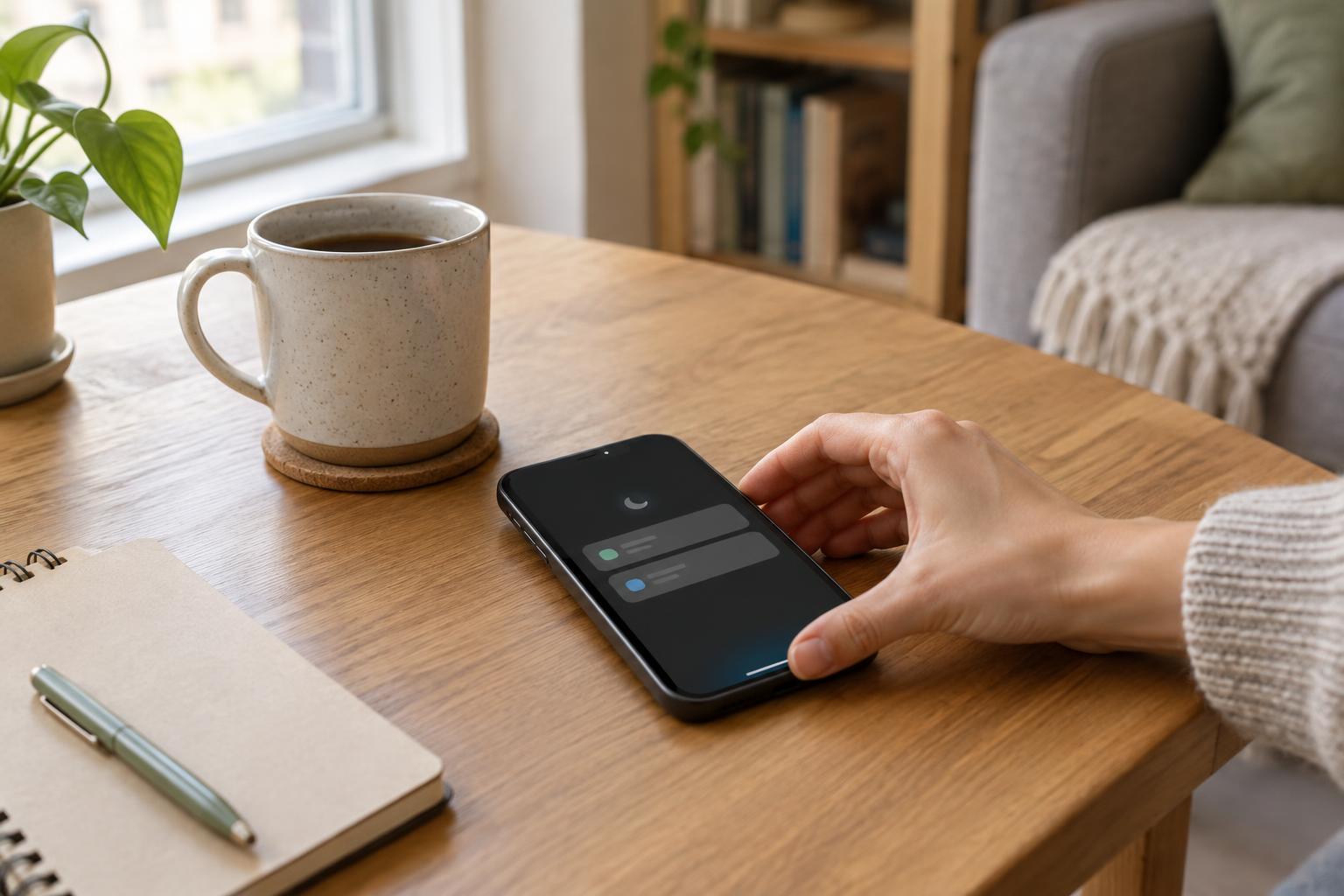
Everyday TechnologyA quieter phone does not have to mean missed plans or unanswered emergencies. Use a simple priority system, set up focus modes, and give everything else a predictable time to check in.
Read article · 4 min↗
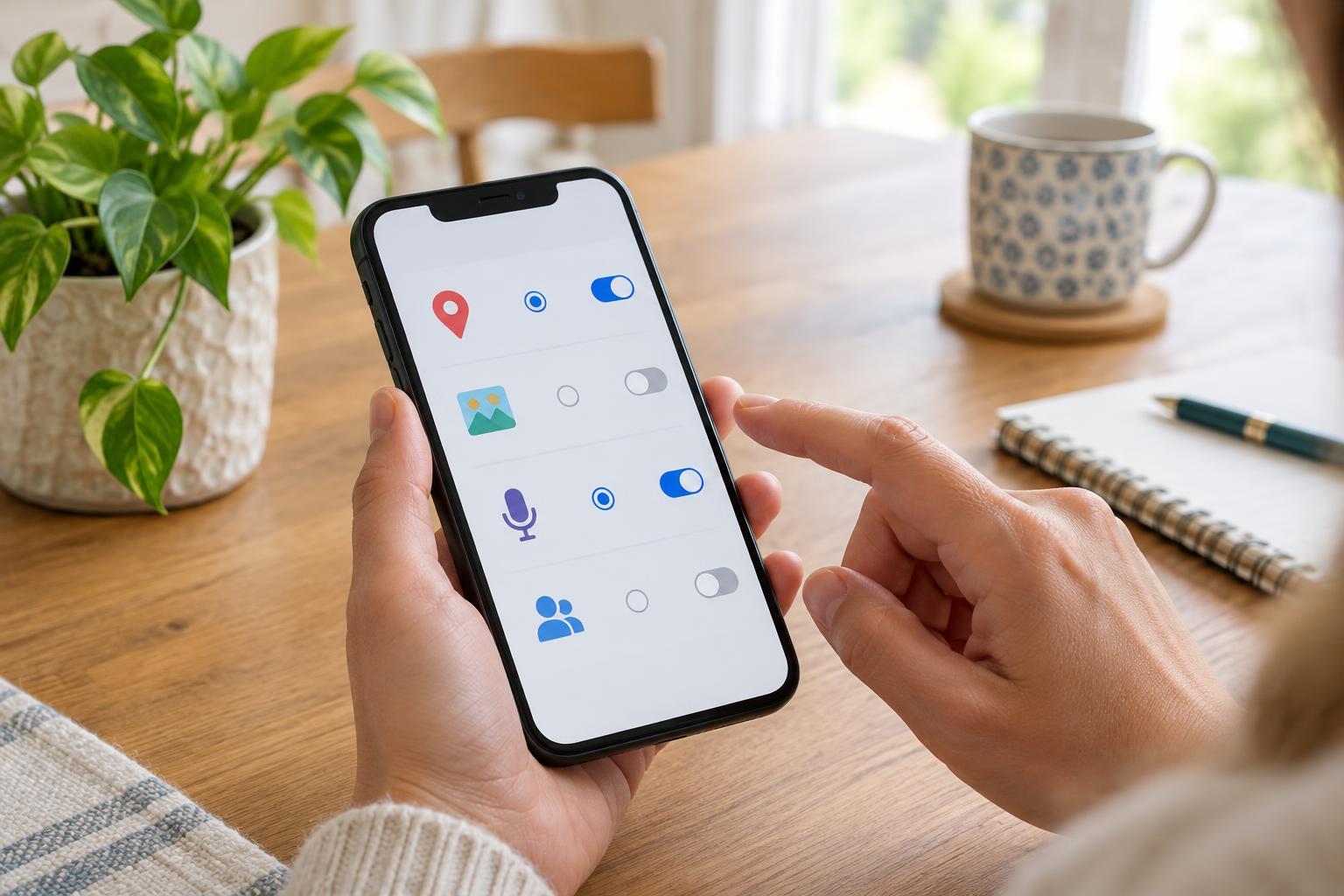
Everyday TechnologyAn app permission request is easier to answer when you know what the app needs to do, when it needs access, and whether a narrower option will work. Use this practical guide to review location, photos, contacts, microphone access, notifications and more.
Read article · 4 min↗

Everyday TechnologyA phone full of photos does not need a complicated filing system. Use a short cleanup routine, a few purposeful albums, searchable details, and a backup you understand to make favorite moments and useful snapshots easier to find.
Read article · 4 min↗

Everyday TechnologyA useful backup plan does not require a drawer full of hard drives. Learn what to save, how phone and laptop backups differ, and how to check that you could actually restore your files.
Read article · 4 min↗

Everyday TechnologyBoth text messages and authenticator apps add a step beyond your password, but they work differently when you travel, change phones or lose access to your number. Here is a practical way to choose a method and prepare for account recovery.
Read article · 4 min↗

Everyday TechnologyA password manager can help you replace reused passwords without having to memorize dozens of new ones. Here’s a manageable way to choose one, secure your account, move your logins and build a habit that lasts.
Read article · 4 min↗

Everyday TechnologyA small apartment can still have stubborn Wi-Fi dead spots. Start with a central, open location, then make a few practical adjustments for walls, appliances and the rooms where you use the internet most.
Read article · 4 min↗

Everyday TechnologyThe fastest advertised internet plan is not always the best fit. Learn how to estimate the speed your household needs, compare the full monthly cost, and check whether your router or Wi-Fi setup is the real bottleneck.
Read article · 4 min↗