Start with what deserves to interrupt you
A phone can make a grocery discount look as urgent as a message from someone who needs help. The goal is not to turn every notification off. It is to decide which ones deserve your attention right away and which can wait until you choose to look. Give yourself ten minutes to make a short list of interruptions that matter in your life: perhaps calls from family, messages from a caregiver, a doorbell alert or a calendar reminder that helps you leave on time.
Then sort the rest into two groups. Useful-but-not-urgent alerts might include package updates, group chats and travel confirmations. Everything else, such as sale announcements or game prompts, can usually stay inside the app until you open it. This quick sorting exercise is more useful than changing settings at random because it gives every alert a reason to stay or go.
Make the lock screen quieter
Open your phone’s notification settings and review apps one by one, starting with those that send the most alerts. The labels vary by phone, but you can usually choose whether an app may notify you, make a sound, show a badge or appear on the lock screen. For a shopping app, you might turn off notifications entirely. For a delivery app, you might keep alerts but remove sounds. For a messaging app, you might keep sounds only for direct conversations.
A good first pass is to silence promotional alerts without deleting the apps you use. Check each app’s own settings too: a news, social or shopping app may let you keep account or order updates while switching off recommendations. If your phone offers a scheduled notification summary, it may be a convenient place for non-urgent alerts. Before adding an app to a summary, consider whether any of its messages need to reach you immediately.
Protect the people and reminders that matter
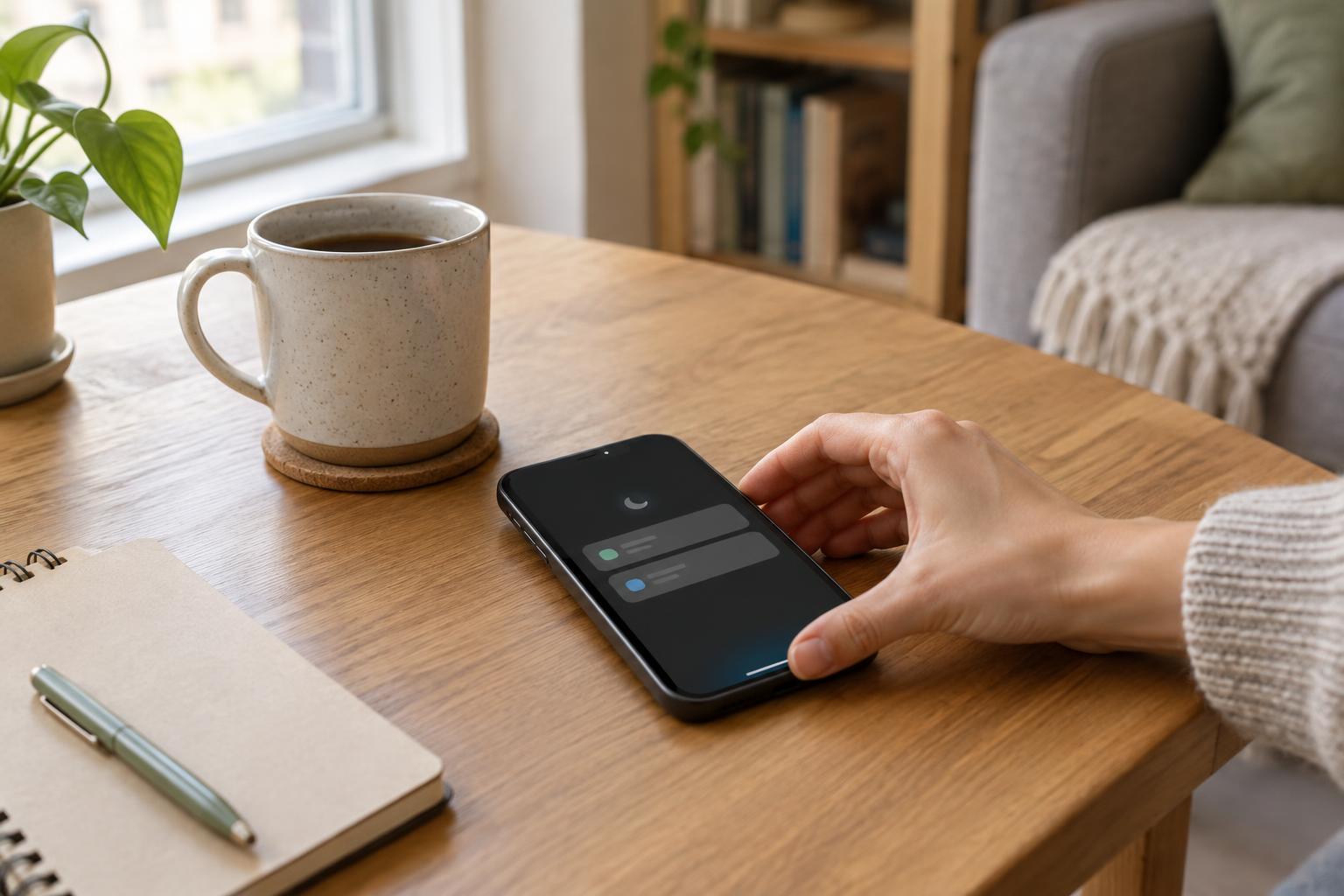
Most phones have a focus or do-not-disturb feature that can limit interruptions during work, sleep or a meal. Instead of treating it as an all-or-nothing switch, set exceptions for the people and apps on your important list. You might allow calls from household members while silencing a busy group thread. Some phones also offer an option for repeated calls to come through; decide whether that fits how people would try to reach you in an urgent situation.
Be specific with reminders, too. A calendar alert for a departure time may be useful, while a second alert about the same event may only add noise. Keep notifications for tasks that require action at a particular time, and move less urgent to-dos to a list you review daily. After setting up a focus mode, test it with a trusted person so you know what appears, what makes a sound and what waits.
Give low-priority updates a place to land
Silencing an alert works best when you have another way to see it. Pick one or two natural check-in times, such as after lunch and before wrapping up the day, to look at email, group chats and app updates. You do not need a rigid schedule; the point is to replace constant interruptions with a habit you can remember. If an app needs a reply, handle it then or put the action on your task list.
Keep badges only where a count helps you act. A badge on a messaging app may remind you to reply, but a growing number on a social app may invite you to open it without a purpose. You can also move distracting apps off your home screen while leaving essential tools easy to reach. That small change makes checking your phone more intentional without requiring a new app or paid service.
Adjust the system as your life changes
Use your setup for a week, then notice where it falls short. If you missed a useful update, allow that specific alert rather than turning everything back on. If one app still interrupts too often, check whether it offers separate controls for direct messages, comments and promotions. Review your settings again when your routines change: travel, a new job or a family responsibility can all change what counts as important.
The best notification setup is not the strictest one. It is the one that lets you trust your phone to get your attention when needed and stay quiet the rest of the time. Start with the loudest three apps today, keep a clear path open for important people, and refine from there.