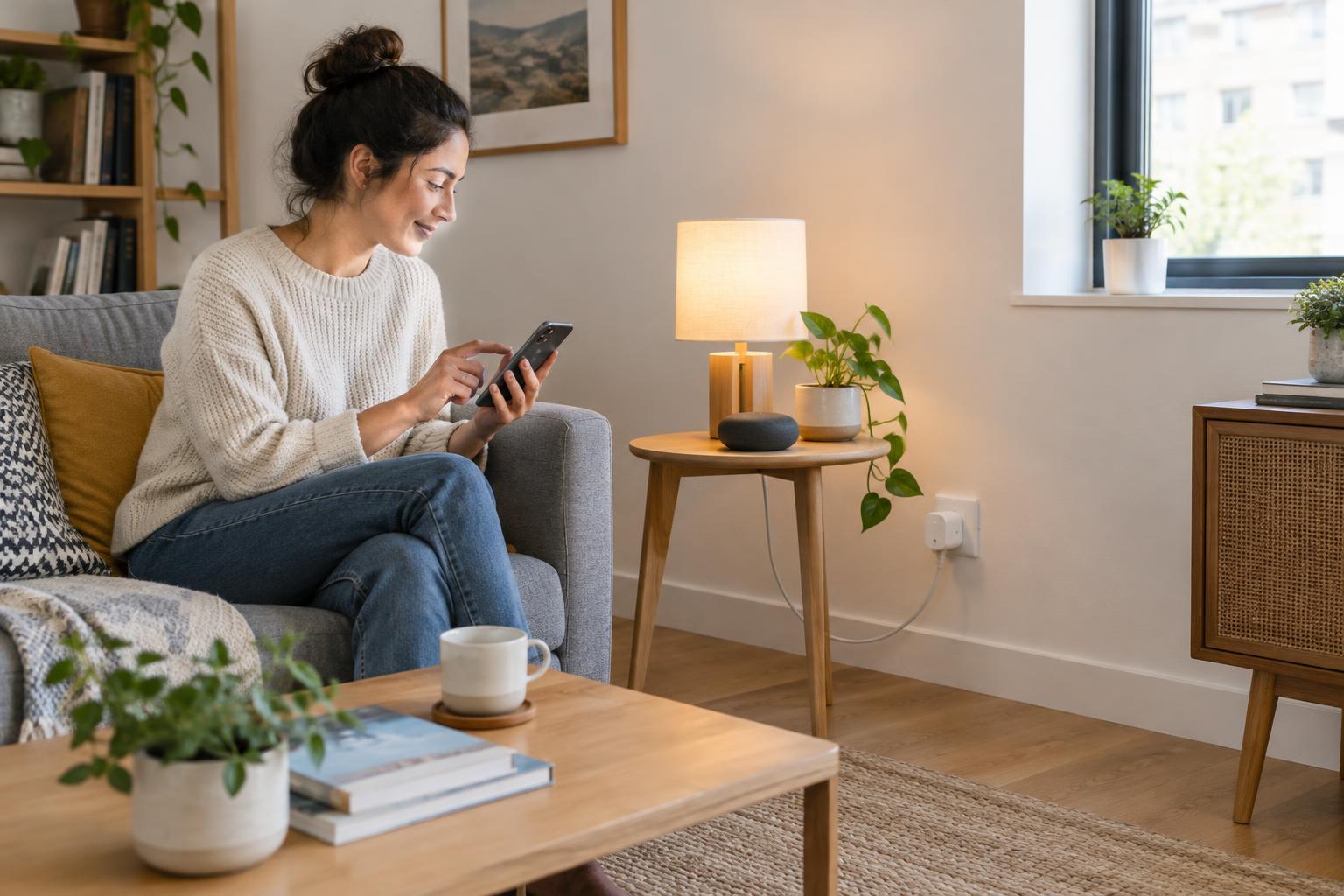
Start with a routine, not a shopping list
The easiest way to waste money on smart-home gear is to buy several appealing devices before deciding what you want them to do together. Start with one small annoyance instead. Maybe you want a bedside lamp to turn on gently in the morning, or you want to switch off the living-room lights without getting up from the sofa. Write down that routine and the rooms it involves. A single bulb or plug may be enough to try it.
Decide how you want to control that routine: by phone, voice, a physical button, or an automatic schedule. A phone-only setup can be inexpensive, but it may be less convenient for guests or anyone without the app. If other people share your home, ask how they would prefer to use the lights before replacing familiar switches with app-dependent controls. For a rental or a first experiment, a plug-in device is often simpler to move or remove than a wired replacement.
Pick a main app before picking devices
Choose the smart-home app you expect to open most often, then look for devices that explicitly support it. A product working in its own manufacturer's app does not automatically mean it will join your preferred app or participate in its routines. Check the product's compatibility details for the exact device model, not just the brand name. If you want voice control, check support for your chosen voice assistant separately.
It helps to think of the main app as the household's control desk. Keeping most everyday actions there can make a modest setup easier to maintain, even if you need a manufacturer's app for initial setup or firmware updates. Before paying for a device, confirm that your phone, any required hub, and the device can all work together. If the listing is vague about a hub requirement or which features carry over to your main app, pause and look for clearer product documentation.
Know what the connection labels mean
Wi-Fi devices connect through your home network and are often straightforward for a first purchase, though some require an account or internet access for particular features. Check your router's supported bands during setup: some smart devices need a 2.4 GHz Wi-Fi network. Bluetooth devices may depend on a nearby phone or hub, which can matter if you want to control them from elsewhere.
Matter is a compatibility standard intended to help devices work across participating smart-home platforms. A Matter logo is a useful starting point, not a promise that every feature will appear in every app. Thread is a networking technology that some Matter devices use; a Thread device may need a compatible Thread border router in the home. A Zigbee device commonly needs a compatible hub or bridge. Look for the full pairing path on the box or product page: device, required network or bridge, and the app where you plan to control it. Those three details are more useful than a label that simply says “smart.”
Build a low-risk starter setup
A smart plug and an ordinary lamp make a practical first test. Confirm that the lamp turns back on when power is restored, then try a schedule or a voice command. Check the plug's electrical rating and use it only with suitable devices; avoid assuming it can safely handle a heater or other high-draw appliance. If adjustable brightness or color is the point of the project, a compatible smart bulb may be a better choice. Remember that turning its wall switch off can remove the power it needs to respond.
Buy one device and set it up fully before buying matching units for the rest of the home. Test the routine at the times you would actually use it, and note what happens if Wi-Fi or internet service is unavailable. A simple budget rule is to leave room for a hub or button if the routine needs one, rather than spending the entire amount on bulbs. Keep packaging until you have confirmed that setup, sharing, and everyday control work as expected.
Make the setup easy to live with
Give devices clear names such as “Desk Lamp” or “Hall Plug,” especially if you plan to use voice commands. Keep a short note of each device's model, connection type, required hub, and main app; it will help when you add to the system later. Enable available security updates, use strong account passwords, and review who has access to household controls. If a device offers features you do not need, such as remote access, consider whether to leave them off.
Expand only when a new purchase solves a specific problem. Before adding a sensor, for example, check that it can trigger the lamp or plug you already own in your chosen app. That quick compatibility check is easier than troubleshooting a shelf full of devices after the fact. A useful small smart home is one that makes ordinary tasks easier without demanding constant attention.