Start near the center, not necessarily the modem
The place where your internet service enters the apartment is convenient, but it may not be the best place for your router. If the modem is tucked into a corner, try moving the router closer to the middle of your living space. A central position gives the signal a better chance of reaching the bedroom, kitchen and work area without crossing as many walls.
Think about where you actually need a reliable connection. If you work at a desk and stream video in the living room, a spot between those areas may serve you better than the geometric center of the floor plan. In a studio, placing the router toward the middle of the longest wall can be a useful starting point. In a one-bedroom apartment, the living room side of the bedroom doorway might be worth testing.
You may be able to separate a router from its modem with a longer Ethernet cable. Before buying one, check how your equipment connects: some homes have a single combined modem-router unit that must stay near the service outlet. If you do run a cable, route it along a wall or baseboard rather than across a walkway.
Give the signal room to travel
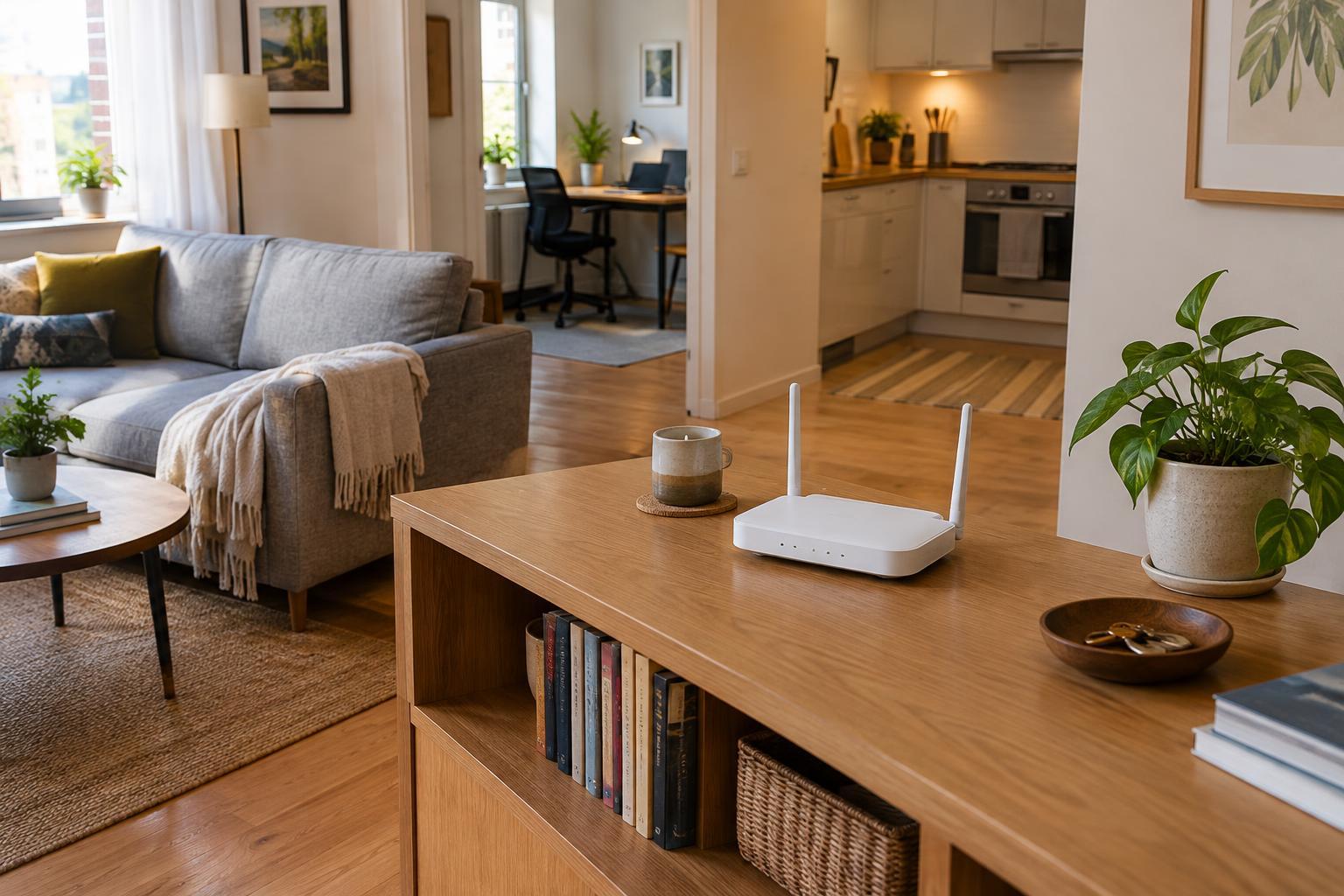
A router usually works better in the open than inside a cabinet. Try a sturdy shelf, side table or bookcase at about table height or higher, with some clear space around the device. You do not need to make it the centerpiece of the room; the goal is simply to avoid surrounding it with objects that may weaken or obstruct the signal.
Keep it away from large metal items, thick walls and major appliances when you can. A router squeezed behind a television, beside a refrigerator or inside a crowded media console may struggle to cover the rest of the apartment. Water can also interfere with wireless signals, so a large aquarium is not an ideal neighbor. You do not have to rearrange the whole room: moving the router from the back of a shelf to its open end may be enough to make a noticeable difference.
Leave ventilation space around the router, too. Avoid stacking books or other electronics on top of it, and follow any clearance guidance that came with the device. If visible cables bother you, use a small cable clip or sleeve rather than hiding the entire router in a closed box.
Test from the places that matter
Instead of judging placement by how many signal bars appear beside the router, check your connection where you normally use it. Load a familiar website, make a video call or run the same speed test while sitting at your desk, on the sofa and in the farthest room. Use the same device for each check, and repeat the test at roughly the same time so the comparisons are more useful.
Move the router one spot at a time and test again. A change of a few feet, or shifting it from behind furniture to an open shelf, may help. Note which locations improve the weakest room without making an important area worse. If your router has adjustable antennas, consult its instructions before changing them; antenna designs vary, so there is no single angle that suits every device.
Remember that a slow connection is not always a placement problem. If performance is poor even when you are close to the router, try restarting your equipment according to its instructions. If the problem persists, check whether the slowdown affects every device or just one. That distinction can help you decide whether to keep experimenting with placement or troubleshoot the device or internet connection instead.
Make the best of a fixed outlet
In a rental, you may not be able to move the service outlet or mount hardware on a wall. Look for reversible options first: an existing shelf, a narrow side table or an adhesive cable clip used according to its directions. Keep cords away from doors, heaters and places where someone might trip. If a cable must cross a walking path, choose a different router location rather than leaving it loose on the floor.
If one room remains difficult to cover after you have tried a few sensible positions, consider whether you need additional equipment. A mesh system or access point can extend coverage, but it adds cost and may be unnecessary in a small apartment. Check your router’s settings and capabilities before shopping; some devices let you choose between network bands, and the band that reaches farther may offer a different speed than the one that performs best nearby.
The most useful router position is the one that works reliably in your daily spots and fits safely into your space. Start with an open, fairly central location, test it from the rooms you use, and make small adjustments before spending money.