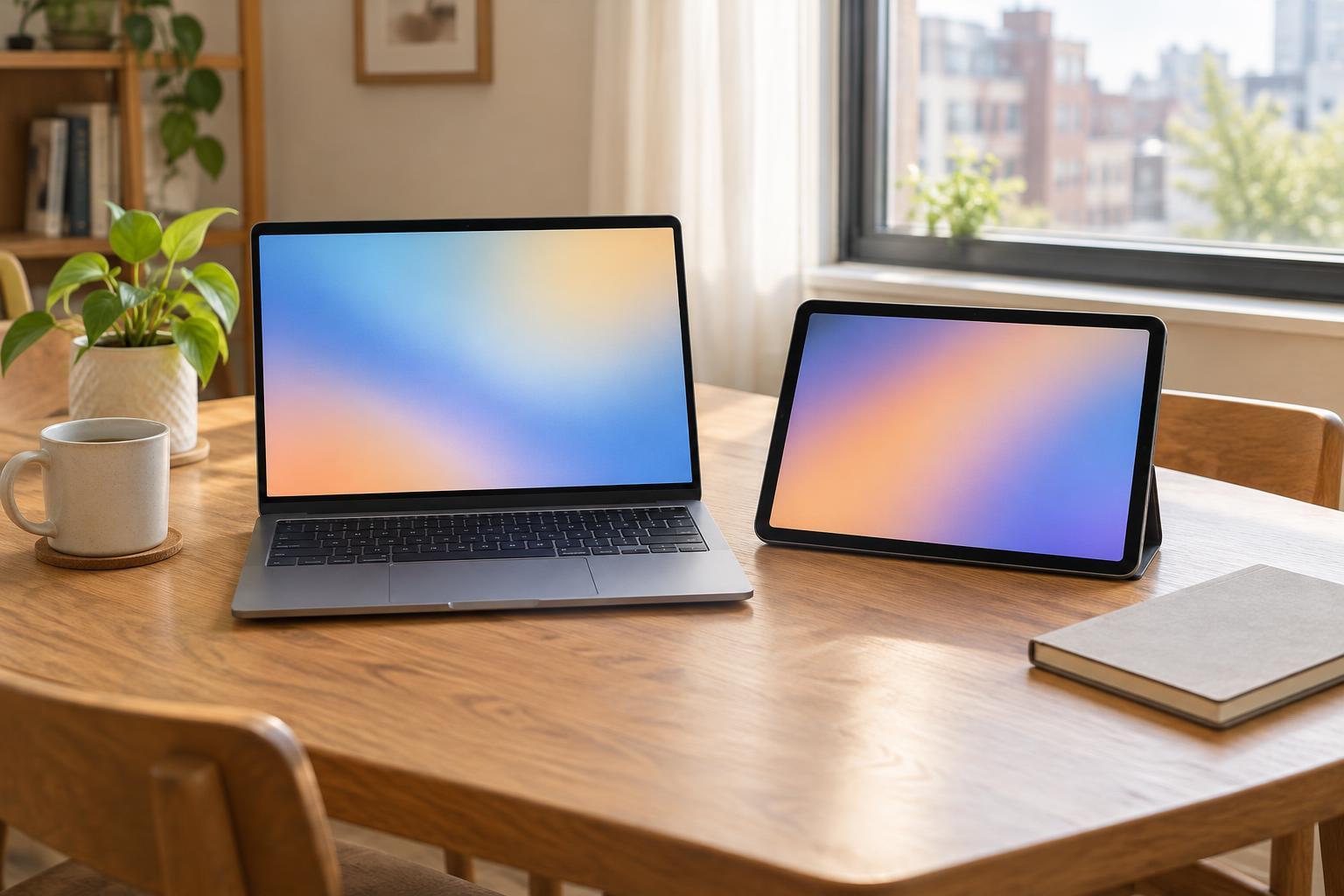
Start with a week of real tasks
A laptop and a tablet can both handle email, web browsing, video calls and streaming. The better choice depends less on what a device can technically do and more on how comfortably you can do it every day. Before comparing models, write down the tasks you completed during a typical week. Include the occasional chores that matter, such as filling out a long form, organizing photos or updating a résumé.
Circle anything that takes sustained typing, several open windows or careful file handling. Then note where you use your device: at a desk, on the sofa, during a commute or in a shared kitchen. If you frequently switch between a document, a browser and a video call, a laptop is usually the easier starting point. If you mostly read, watch, message and make quick edits while moving around, a tablet may feel more natural.
Choose a laptop when work needs room to spread out
A laptop gives you a built-in keyboard and a screen that stands up without an extra case. That makes it convenient for longer emails, spreadsheets, online classes and projects that involve moving text or files between apps. Many people also find a trackpad or mouse easier than touch controls when working with small menus or detailed documents.
Check the specific software and websites you rely on before buying. A tablet version of an app may have different features, and some sites are awkward to use on a small touch screen. If your household shares files on a USB drive or uses an external monitor, look at the laptop’s ports and whether an adapter would be needed.
A laptop is not automatically the expensive choice. Compare the total price of a usable setup rather than a device’s starting price. A modest laptop that already includes a keyboard may cost less than a tablet once you add the case, keyboard and accessories you would actually use.
Choose a tablet when flexibility matters most
A tablet suits tasks you can do in short bursts: checking a recipe beside the stove, reading on the train, watching a tutorial or joining a casual video call. Touch controls can be pleasant for browsing, marking up documents and making quick notes. A tablet can also fit into a smaller bag and be easier to hold than a laptop when you are away from a table.
The trade-off appears when a quick task becomes a long one. Typing a page on an on-screen keyboard takes up display space, while a separate keyboard adds cost and something else to carry. A stand or keyboard case helps, but try the combination on your lap as well as on a desk if that is how you expect to use it. A stylus is useful only if handwriting or drawing will be a regular part of your routine.
Storage deserves a look, too. If you keep many photos or videos on the device, check how much usable space the model offers and how you would move or back up files. Paying for more storage or a cloud service can change the apparent bargain.
Test the details that affect daily comfort
Screen size is a compromise. A smaller device is easier to carry but gives you less room for forms, side-by-side windows and subtitles. A larger screen can be more comfortable at home but may need more bag space. If possible, try reading a full page, typing a few sentences and joining a sample video call in a shop or on a device you can borrow.
Pay attention to the camera and microphone position, how easily the screen stays upright, and whether you can charge the device where you normally sit. Battery-life claims are useful for comparison, but your brightness setting, calls and apps will affect your experience. Also check what comes in the box and whether you would need headphones, a charger, a hub or a protective case.
For either device, consider how long you expect to keep it. A comfortable keyboard, enough storage and a clear process for backing up your files may matter more over time than a feature you will rarely use. If buying used or refurbished, confirm the condition, return policy and included accessories before paying.
Make the choice with one simple rule
Choose a laptop if your one device must reliably handle long typing sessions, complex websites, multiple windows or organized file work. Choose a tablet if your main activities are reading, watching, browsing, video calls and light writing, and you value being able to pick it up and use it anywhere in your home.
If the decision is close, price the complete setup for each option and test your most frustrating weekly task on both. The best one-device choice is not the one that looks most versatile in an advertisement. It is the one that lets you finish ordinary tasks without working around its limits.