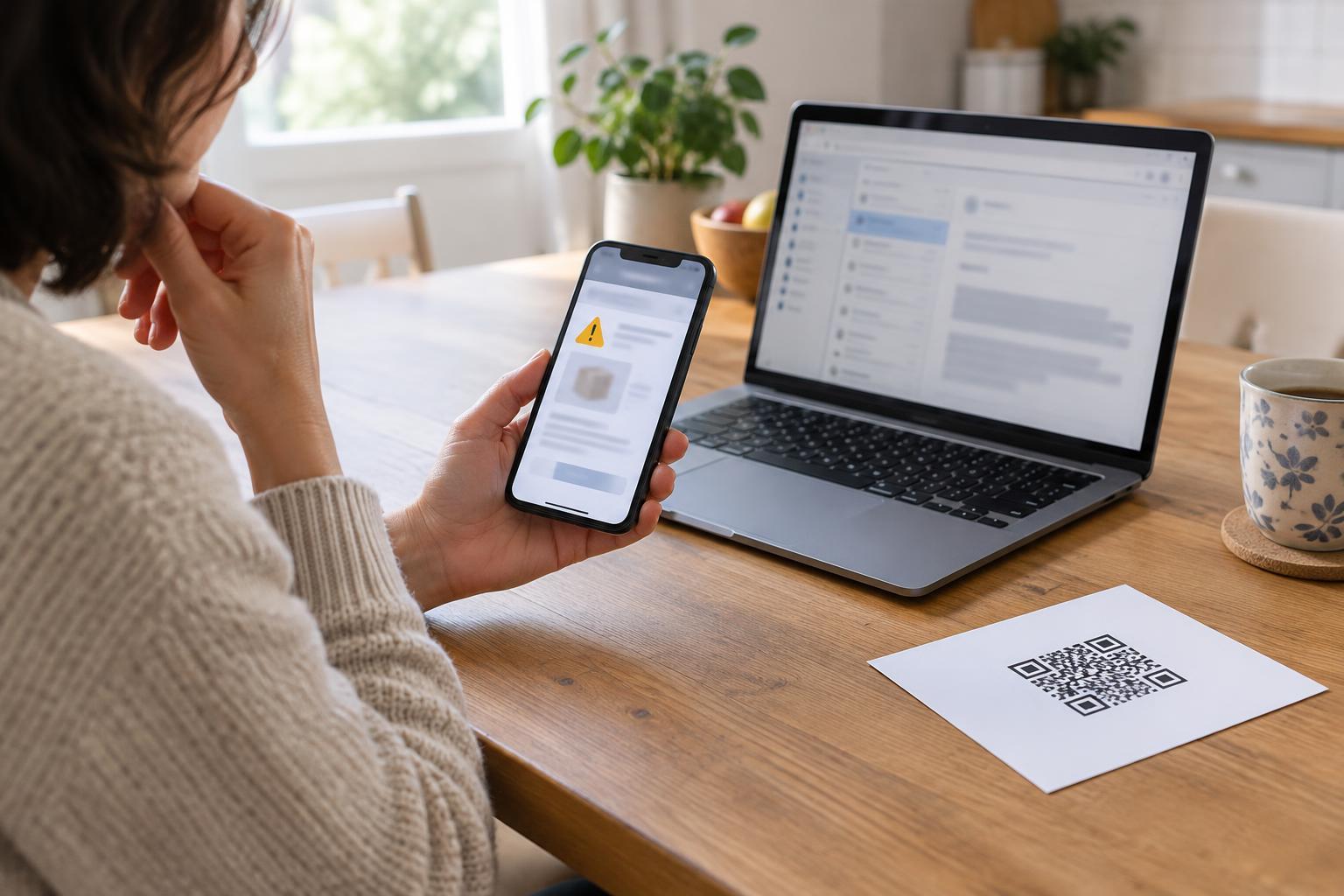
Start with the request, not the logo
Phishing is an attempt to get you to reveal information, send money or install something by pretending to be a person or service you trust. It can arrive as a text about a missed delivery, an email about an account problem or a QR code promising quick access to a menu. A polished logo or familiar name does not prove that the message is genuine; those details can be copied.
Before you tap, ask what the message wants you to do. Be especially cautious if it asks for a password, a one-time sign-in code, payment details or immediate action to avoid a penalty. Urgency is useful to a scammer because it leaves less time to check. Spelling mistakes can be a clue, but a message without mistakes can still be phishing.
Check texts and emails without using their links
A sender name is a starting point, not a guarantee. In email, look at the full address rather than only the display name. In a text thread, do not assume a new message is legitimate just because it appears alongside older alerts. Phone numbers and message details can be misleading. An unexpected change in tone, a request for a code or a link to an unfamiliar address deserves a separate check.
The safest everyday habit is to leave the message and open the service yourself. Use an app you already have, a bookmark you saved earlier or an address you type from a source you trust. If a delivery text says there is a problem, check the order in the retailer’s app or website. If a friend asks for help in an unusual way, contact them through a different channel before acting. Avoid replying to a suspicious message just to test whether someone answers.
You can inspect a link’s destination without opening it on many devices, but previews vary and shortened links may hide the final address. Look for odd spellings, extra words and unfamiliar domains. Even a plausible-looking address is not enough on its own: the independent check is what matters.
Treat QR codes as links you cannot read at a glance
A QR code is convenient, but scanning one does not tell you who placed it there. Codes can appear on printed notices, tables, parking signs and packages; a sticker could also be placed over an original code. Before scanning, look for signs of tampering and consider whether you expected a code in that location.
After scanning, pause at the preview instead of opening the destination automatically. Check the address, then check the page again before entering information. If the code leads to a payment page, an app download or a sign-in screen, consider finding the organization’s official app or website independently. This is particularly helpful when a code is the only visible way to pay or get information: convenience alone is not verification.
Use a short routine when a message feels urgent
Try a three-step pause: stop, verify, then act. Stop before opening an attachment, downloading an app or sharing a code. Verify the request through a route you chose yourself. Act only if what you find there matches the message. This routine works for a bank alert, a workplace file-sharing invitation or a note that seems to come from a relative.
Keep the routine easy to follow by saving bookmarks for services you use often and turning on available account notifications. Use a unique password for each important account and enable multi-factor authentication where offered. These measures do not make every suspicious message harmless, but they can reduce the damage if a password is exposed.
If you already clicked, take the next useful step
A tap alone does not always mean an account has been compromised. What matters next is what you did on the page. If you entered a password, go directly to the real service and change it; change it anywhere else you reused it. Review account activity and sign-in settings, and contact the service through its official support route if you see something you do not recognize. If you shared a one-time code, act promptly because it may have been used to access your account.
If you provided payment information, contact the payment provider using the number on your card or its official app to ask about appropriate next steps. If you downloaded a file or installed an app, stop using it, remove it if you can do so safely and run your device’s built-in security checks. You can also use your email or messaging app’s reporting feature. The goal is not to prove you were fooled; it is to limit what an attacker can do next.