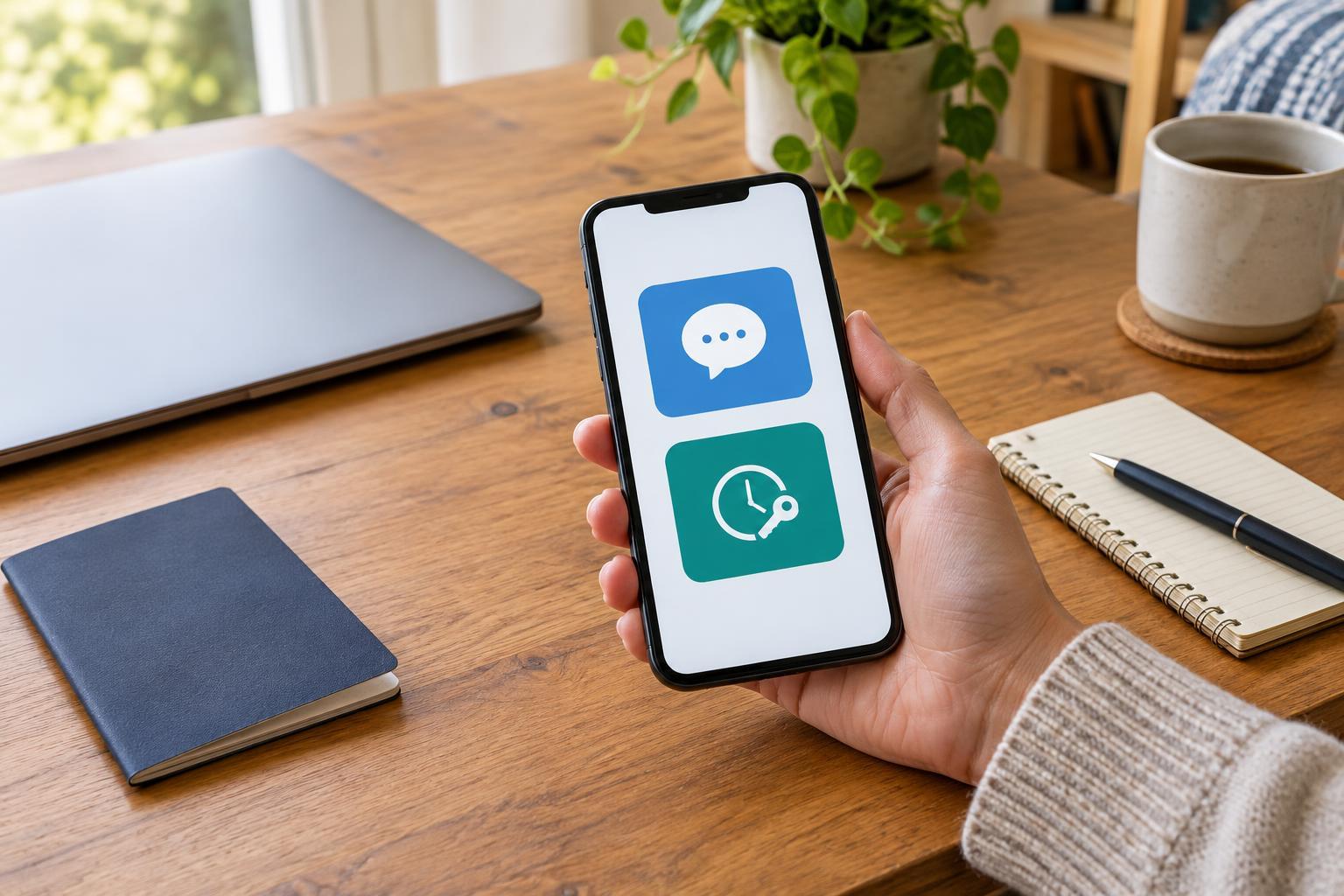
What the second step actually does
Two-factor login asks for something beyond your password before opening an account. That extra step might be a short code sent by text message or a code generated in an authenticator app. It matters most when someone has learned or guessed your password: they still need to get past the second step. Neither method makes an account impossible to break into, but either is generally better than relying on a password alone.
The best choice is one you can use consistently and recover if your phone disappears. Start with important accounts such as your primary email, password manager and accounts that store payment details. Your email deserves particular attention because it is often used to reset passwords elsewhere. Check each service’s security settings to see which methods it offers; you may be able to set a preferred method and keep another as a backup.
When a text message is convenient—and where it is vulnerable
Text-message verification is familiar: enter your number, then type the code that arrives when you sign in. It requires no extra app and may be the quickest way to add protection to an account you have been putting off securing. If a service offers only texts, using them is usually more sensible than leaving two-factor login off.
The trade-off is that the code depends on access to your phone number and mobile service. Messages can be delayed when reception is poor or unavailable while traveling. A number can also be taken over through a fraudulent transfer or a SIM swap, allowing someone else to receive its messages. Phone-number changes create a more ordinary problem: if you forget to update an account first, its login codes may go to your old number.
A texted code can also be stolen by a convincing fake login page or by someone who persuades you to read it aloud. Treat every unexpected code as a sign to pause, not as a request to act. Never give a login code to a caller or message sender, even if they claim to be helping with your account.
What changes with an authenticator app
An authenticator app commonly generates short-lived codes on your device after you connect it to an account, often by scanning a setup code. The usual time-based codes do not need a mobile signal to appear, so they can be useful on a flight or in a place with patchy reception. They are not delivered through your phone number, which avoids that particular weakness of text messages.
An app does introduce a setup and recovery task. If your phone is lost, damaged or replaced, you need a way to regain access to the codes. Some apps offer encrypted backup or transfer features, while others require you to move accounts individually. Read the app’s recovery options before relying on it for every login. Also pay attention to the type of prompt you receive: some services send an approval notification instead of asking for a code. Do not approve a sign-in you did not start.
Authenticator codes are not phishing-proof. A fake site can ask you to type a current code and use it immediately. To reduce that risk, open important sites from a saved bookmark or their official app rather than following a link in an unexpected message. If an account supports a passkey or security key, you can consider that option too; it may provide stronger resistance to fake login pages, but availability and setup vary by service.
Choose a method you can recover
For accounts offering both options, an authenticator app is a useful default if you are willing to set up recovery. Text messages remain a practical fallback where they are the only option or where adding an app would keep you from enabling two-factor login at all. There is no need to change every account in one sitting. Secure your primary email first, then work through other important logins as you use them.
Before switching methods, look for backup codes in the account’s security settings. Save them somewhere you can reach without the phone you normally use, such as a reputable password manager or a paper copy stored in a private place. Avoid leaving them in an easily accessible photo album or an unprotected note. If the service allows a second recovery method, check that it is current and that you understand how it works.
Finally, test the arrangement while you are still signed in on a trusted device: confirm that your chosen method produces a code, verify that any saved backup codes are for the right account, and review your recovery email and phone number. That small check turns two-factor login from an extra hurdle into a dependable habit.