Start with the phone you actually need
Before browsing listings, write down what your next phone must do. A compact phone that fits your pocket, a camera you enjoy using, enough storage for photos, or a battery that lasts through your commute may matter more than having the newest model. Note which features are essential and which are merely nice to have. That short list helps you compare a refurbished phone with a new, lower-priced alternative rather than assuming the older flagship is the better deal.
Check that the exact model will work with your mobile carrier. A listing that says “unlocked” is a useful starting point, but it does not by itself confirm that every network feature will work. If you rely on an eSIM, dual SIM, or a particular network service, verify support for that model and region with your carrier before ordering. Also check the manufacturer’s information about software support. An older phone may be inexpensive upfront but less useful if it cannot run the apps or security updates you expect to need.
Read the condition description closely
“Refurbished” can cover a range of work, from inspection and cleaning to replacement of worn parts. Read the seller’s description of its process instead of relying on the label. Does it test calls, cameras, charging, speakers, buttons and wireless connections? Has the phone been reset and checked for account locks? If the listing does not answer a question that matters to you, ask before paying.
Cosmetic grades usually describe appearance, not battery life or internal condition. Look for an explanation of what a grade allows: light scratches, visible marks, or wear on the frame, for example. Product photos may show a representative phone rather than the one you will receive, so check the listing wording. Also confirm what comes in the box. A charging cable, power adapter or original packaging may not be included, and replacing missing accessories changes the real price.
Ask about the battery and any repairs
The battery is one of the most important parts of a used phone because it wears with use. Look for a stated battery-health threshold or a clear replacement policy. If neither appears, ask what standard the seller uses. A promise that a phone “holds a charge” is less helpful than a specific condition standard, though battery-health readings are not available or equally informative on every model.
Replacement parts deserve a question too. Ask whether the screen, battery or cameras have been changed, and whether those parts retain the functions you expect. On some phones, a repair can affect features or produce a parts-related message in settings. That does not automatically make the device unusable, but you should know about it before purchase. A seller who clearly describes testing and repairs gives you more to evaluate than one offering only a grade and a low price.
Compare the full deal, not just the sticker price
Add shipping, taxes, accessories and any needed charger to the listed price. Then compare phones with similar storage, condition and battery standards. A cheaper listing may be less appealing if it has a short return window or leaves important details unanswered. Save the product description and your order confirmation so you can refer to the promised condition if the delivered phone differs.
Read the return and warranty terms before checkout. Find out when the return period starts, who pays return shipping, what counts as acceptable condition for a return, and whether the warranty covers battery problems. Check who is responsible for resolving issues: the seller, the marketplace or a separate warranty provider. A clear process matters more than an impressive-sounding promise that is hard to use.
Test it promptly when it arrives
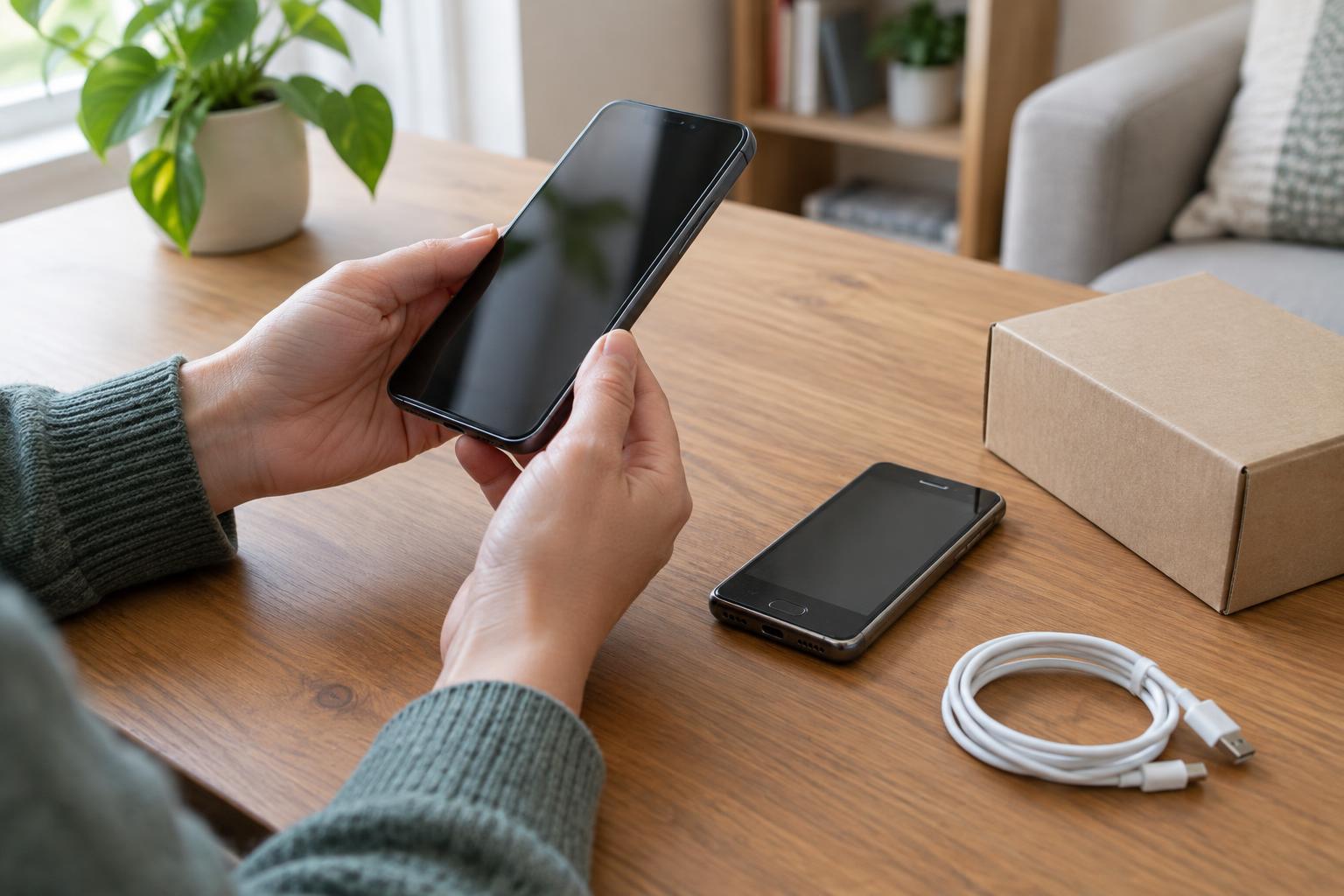
Inspect the phone before moving all your data. Confirm that the model, storage capacity, color and visible condition match the listing. Set it up enough to check that it is not tied to someone else’s account and that it accepts your SIM or eSIM as expected. Test a call, mobile data, Wi-Fi, Bluetooth, charging, cameras, microphones, speakers, buttons and biometric unlocking if included.
Give the battery a normal day of use and watch for unexpected shutdowns, overheating or unusually rapid drain. If something seems wrong, document it and contact the seller within the return window rather than waiting to see whether it improves. Once you are satisfied, update the software, set a strong screen lock and move your data. A little checking at the start makes a refurbished purchase much easier to live with.