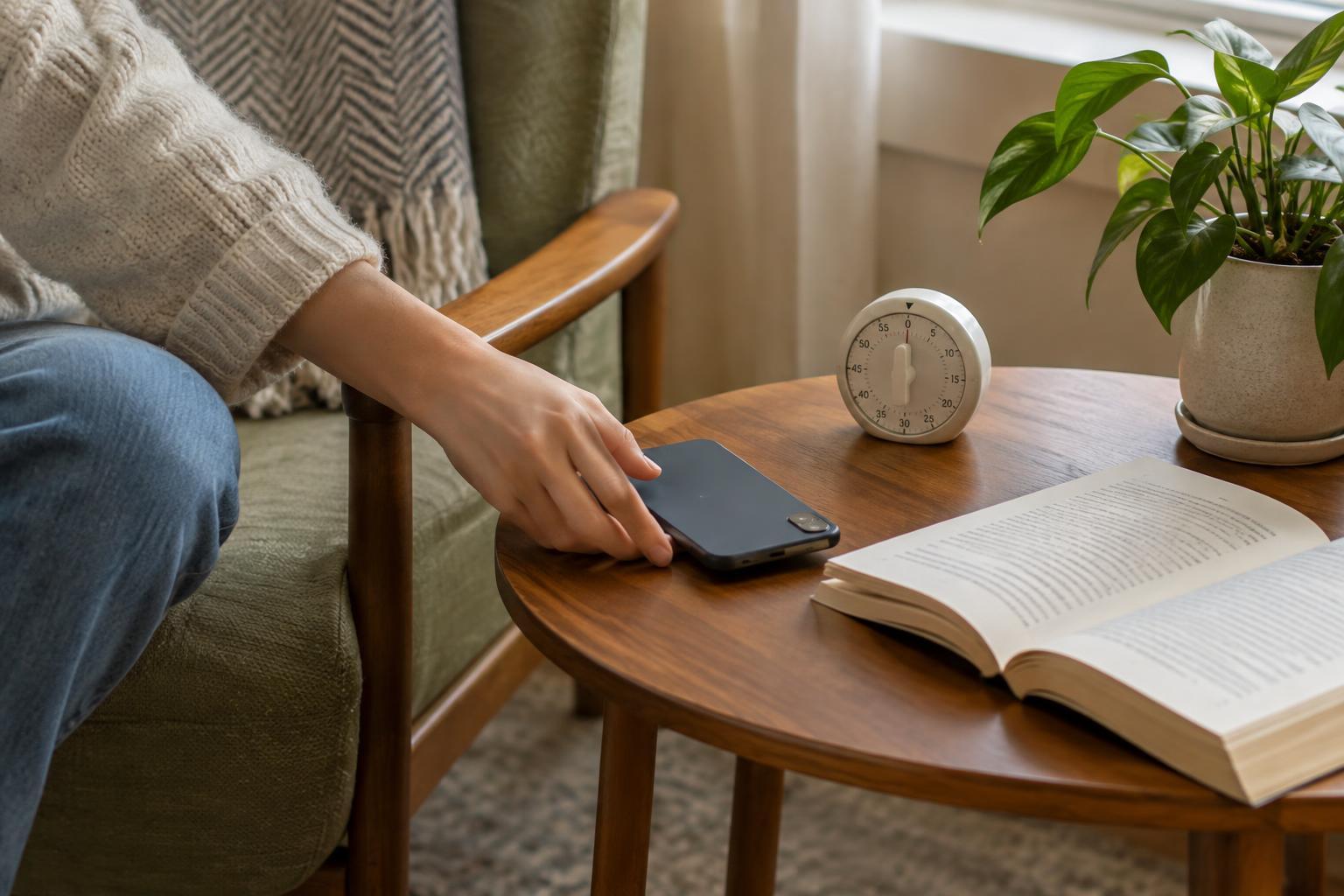
Start with the moment you want back
A screen time goal such as “use my phone less” is hard to act on. Start with one situation instead: scrolling long after you meant to go to bed, checking messages throughout dinner or opening a video app whenever you have a spare minute. Ask what you would rather do with that time. Reading a few pages, getting ready for tomorrow or simply resting gives the limit a purpose.
Before changing any settings, look at your phone’s usage summary for a few days. You are not looking for a perfect number or a reason to feel guilty. Notice which apps you open automatically, when you tend to use them and which uses genuinely help you. A map, a recipe on the kitchen counter and a call with a friend may all be screen time, but they do not need the same rules.
Choose a small limit you can keep
Pick one app or category to begin with. If you usually spend a long stretch on a social or video app, a drastic daily cap may be easy to dismiss. Try a limit that asks you to stop a little earlier instead. Another option is to protect a particular window, such as the half hour before bed, rather than restrict the whole day. The useful limit is the one you will notice and usually respect.
Decide in advance what counts as an exception. You might want extra time to message a friend who is traveling or watch a tutorial while fixing something at home. That is different from extending a limit without deciding why. A simple rule—“I can add time when I can name what I’m using it for”—leaves room for real life without making the setting meaningless.
Set up your phone so the limit is easy to follow
Most smartphones have built-in usage controls. On an iPhone, look for Screen Time in Settings; on many Android phones, look for Digital Wellbeing or a similarly named feature. Menu names and options can vary by device and software version, but both commonly offer a way to review usage and set app timers or scheduled quiet periods. Start with your chosen app rather than switching on every available restriction at once.
While you are there, reduce the prompts that pull you back in. Turn off nonessential notifications for the app you are limiting, and consider moving it off your home screen. If you set a bedtime schedule, check which calls, messages or other functions remain available so you do not block something important. These small changes help because you will have fewer decisions to make each time you pick up the phone.
Built-in limits are often reminders, not locks. If your phone lets you extend or ignore one, decide what you will do when that prompt appears. You could put the phone down, get a glass of water and then decide whether you still need more time. A brief pause makes an automatic choice more deliberate.
Give the freed-up time somewhere to go
A limit can feel frustrating if it interrupts a habit but leaves an empty space. Put a low-effort alternative near the place where you usually scroll: a book by the bed, a puzzle on the coffee table or tomorrow’s lunch container on the counter. If you use your phone to unwind, choose something that feels restful rather than assigning yourself another chore.
Make the replacement fit the moment. During a short wait, you might look around or send one intentional message instead of opening a feed. In the evening, you might charge your phone across the room and use a basic alarm clock if you have one. None of these changes requires buying new equipment; the aim is to make your preferred activity at least as easy to start as the app.
Review the limit without turning it into a score
After a week or two, ask whether the setting helped with the situation you chose. Did you get to bed sooner? Was dinner less interrupted? Did the warning arrive at a useful time, or did it cut off something you regularly need to finish? Adjust the cap, schedule or app list based on those answers. A limit that needs changing is not a failed experiment; it has shown you what your routine actually requires.
Keep the setup simple enough to maintain. One useful app limit and a quieter evening may do more for your day than a long list of rules you constantly override. The goal is not to avoid screens altogether. It is to make room for the parts of your life you want your phone to support, rather than crowd out.